Service / WordPress websites
WordPress websites, built properly
WordPress runs a large share of the web for good reason: it is familiar, flexible and has a huge pool of people who know it. It also has a reputation for slow, plugin-heavy sites that break after an update. We build WordPress sites that avoid those problems.
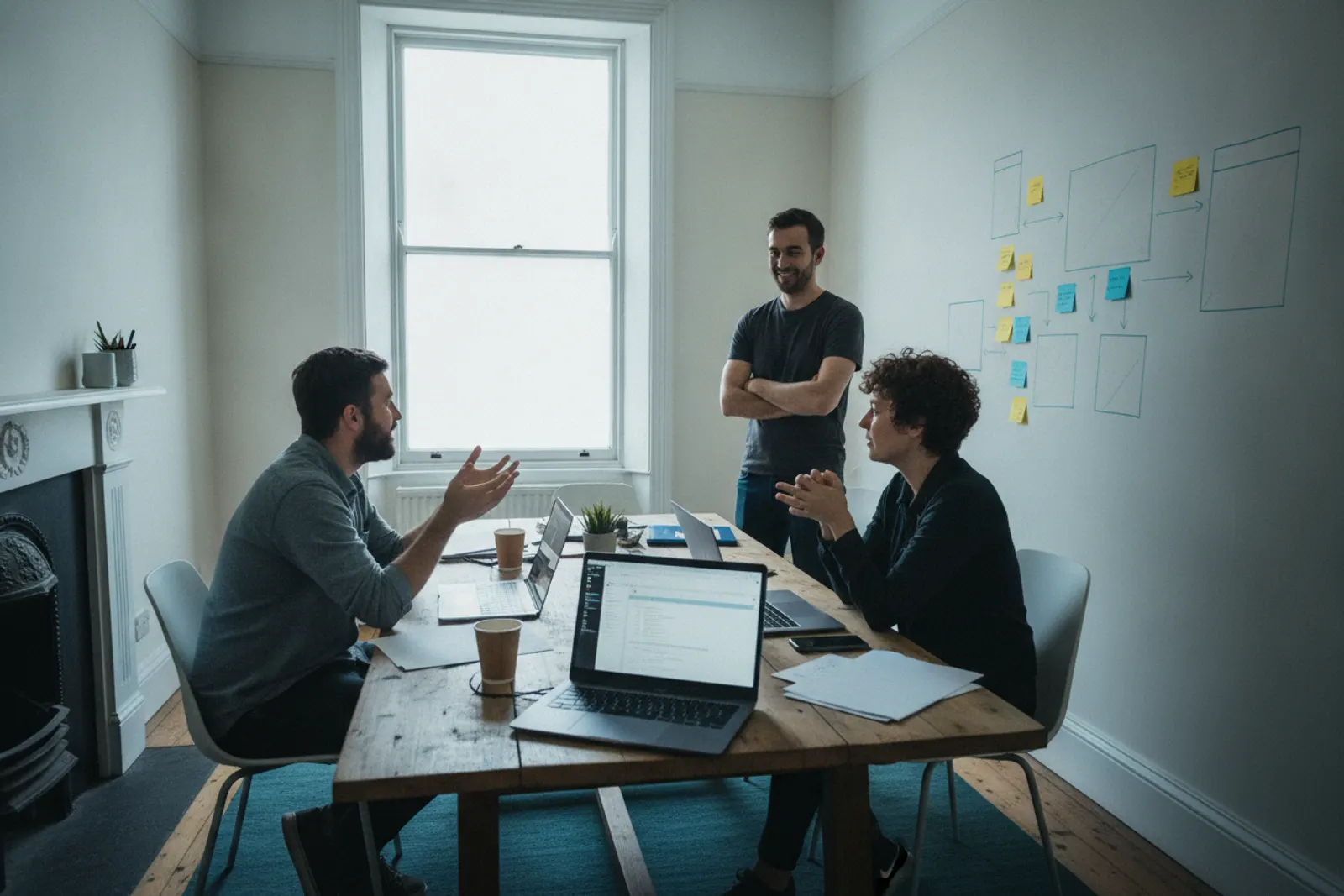
Custom blocks instead of page builders
Rather than a heavy page builder, we create a set of custom blocks that match your design: hero, feature grid, team list, case study, call to action. Editors pick blocks and fill in fields. They cannot accidentally change fonts or break layouts, and the output stays lean.
Fewer plugins, chosen carefully
Every plugin is a dependency someone has to update. We keep the list short, prefer well-maintained options and write small bits of functionality ourselves where that is safer. That makes updates routine rather than nerve-racking.
Training for your team
A website is only useful if people keep it current. We run a hands-on session for whoever will edit the site, whether that is a practice manager in a Cambridge firm or a communications officer at a college, and leave a short written guide specific to your blocks.
Who WordPress suits
WordPress is a sensible choice for many Cambridge organisations: professional firms whose staff already know it, small businesses who want to edit pages without calling a web designer, charities and college offices with several editors, and companies that publish news, events or vacancies every week. It is familiar, well supported and there is a large pool of people across Cambridgeshire who can work on it, which matters if you ever change web agency.
Its reputation for slow, fragile sites comes from how it is usually built: a heavy multipurpose theme, a page builder and twenty or thirty plugins. We build WordPress differently, and we will tell you if another platform would suit you better.
How we build WordPress sites
Custom blocks instead of page builders
We create a block library that matches your design: hero, feature grid, team list, case study, publication list, call to action and so on. Editors add blocks and fill in fields. They cannot accidentally change fonts, spacing or colours, and the HTML output stays lean, which keeps pages fast.
A short, deliberate plugin list
Every plugin is code someone has to keep updated. We typically use a small set of well-maintained plugins for forms, SEO and security, and write small features ourselves where that is safer than adding another dependency.
Structured content
For content that repeats, such as team members, vacancies, events or projects for your portfolio, we create proper content types with fields. That means a vacancy always shows salary, location and closing date in the same place, and lists can be filtered and sorted.
What is included
- Discovery and content planWho edits what, how often, and what content types you need. This shapes roles, blocks and fields.
- DesignA component-based design that maps directly to the block library.
- Theme and block developmentA custom theme with your blocks, built for the block editor, accessible and responsive.
- Content migrationMoving existing pages, posts and media, cleaning up formatting and setting redirects.
- Hosting and security set-upManaged hosting, SSL, backups, a staging site, sensible security settings and multi-factor login for administrators.
- TrainingA hands-on session for your editors and a short written guide to your own blocks.
How long it takes
A small business WordPress site usually takes five to eight weeks from discovery to launch. Sites with many content types, several editor roles or a large migration take longer. The biggest variable is usually content: pages that need rewriting, images that need replacing and decisions about what to keep.
What affects the cost
| Factor | Why it matters |
|---|---|
| Number of custom blocks | Each block is designed, built and tested |
| Custom content types | Vacancies, events, people and projects need fields, templates and lists |
| Migration size | Hundreds of old posts take time to move and tidy |
| Integrations | CRM, booking or membership systems add development and testing |
| Hosting level | Managed hosting costs more than budget hosting but saves time and risk |
Common WordPress mistakes
- Buying a multipurpose theme and customising it heavily. It looks cheap at first, then every update risks breaking your changes.
- Installing a plugin for every small feature. Plugin conflicts are the most common cause of broken WordPress sites.
- Everyone logs in as administrator. Editors should have the minimum permissions they need.
- No staging site. Updates should be tested on a copy before they reach the live site.
- Cheap shared hosting. Slow servers and poor support cost more in lost visitors and time than they save.
- No one owns updates. A WordPress site left unpatched for a year is a security risk.
How we measure success
For a WordPress project, we look at three things. First, the site itself: page speed on mobile, accessibility checks and a clean plugin list. Second, the business measures we agreed at the start, such as enquiries, bookings or applications. Third, how your team gets on: are editors publishing content regularly without help? We check in after launch and adjust blocks or training if editors are struggling with anything.
WordPress for Cambridge teams
We build WordPress sites for small firms, clinics, consultancies and community organisations around Cambridge and across Cambridgeshire, and for teams at larger organisations who need many editors with clear permissions. If you are comparing a design agency or freelance developer for a WordPress project, ask how they handle blocks, plugins, hosting and updates. Those answers will tell you more about the site you will live with than any portfolio.
Making life easy for editors
The real test of a WordPress site is what happens six months after launch, when the person who attended the training has moved on and someone new needs to publish a news story before a deadline. We design the editing experience with that in mind. Blocks have plain names and short help text. Required fields are marked, so a vacancy cannot be published without a closing date and an image cannot be added without alt text. Reusable sections, such as a standard call to action, are managed in one place.
We also tidy the admin area: unused menus are hidden, dashboard widgets that nobody needs are removed and editors land on a screen that shows the content they usually work on. It sounds minor, but it is often the difference between a site that stays current and one that slowly goes stale.
Updates and long-term care
WordPress core, themes and plugins release updates regularly, some of them security fixes. Someone needs to apply them, test them on staging first and check nothing has broken. You can do this in-house with our documentation, or we can handle it through a care plan with backups, uptime monitoring and a monthly note of what was done.
Before you hire
When comparing WordPress developers, ask to log in to a site they built recently as an editor would. Ten minutes in the admin area shows whether the site was built for its owners or just for launch day.
Questions
WordPress websites: common questions
Can you fix our existing WordPress site?
Often, yes. We start with an audit of the theme, plugins and hosting, then recommend repair or rebuild with reasons.
Is WordPress secure?
It can be. Most problems come from outdated plugins, abandoned themes and weak hosting. We address all three and can handle updates through a care plan.
Do you use page builders?
We build custom blocks for the WordPress block editor instead. They are lighter, faster and harder for editors to break.
Can several people edit the site?
Yes. We set up roles so, for example, a communications officer can publish news while department staff can only draft their own pages.
Can you move us to WordPress from another system?
Yes. We migrate content, images and URLs, and set up redirects so search visibility is protected.
Related services
Website design
Website design for Cambridge businesses, labs and spin-outs. Clear structure, careful typography and pages built around what your visitors need to find.
Website care and hosting
Website care plans for Cambridge businesses: updates, backups, monitoring, small changes and reliable hosting, on a simple monthly arrangement.
SEO
Technical and local SEO for Cambridge businesses: site structure, page speed, structured data and content that answers what people search for.
Next step
Planning a new website?
Tell us what the site needs to do and who it is for. We will reply with questions, a rough approach and an honest view of cost and timing.
Start a conversation